

If you’ve ever stared at a blank slide for 20 minutes trying to figure out where to start, you already know the problem. Creating presentations is time-consuming, mentally draining, and often the last thing on your to-do list that actually gets done well.
That’s exactly why AI presentation tools have exploded in popularity. Instead of spending hours wrestling with layouts, fonts, and content structure, you can simply type a prompt and have a polished, well-structured deck ready in under a minute.
But here’s the catch: not all AI presentation tools are created equal. Some are great for quick designs. Others are built for enterprise teams that need brand consistency at scale. A few work right inside PowerPoint or Google Slides, while others live as standalone apps with their own ecosystems.
In this guide, we break down the best AI presentation tools available right now, explain what each one does best, and help you figure out which one actually fits the way you work.
What Is an AI Presentation Tool and Why Does It Matter?

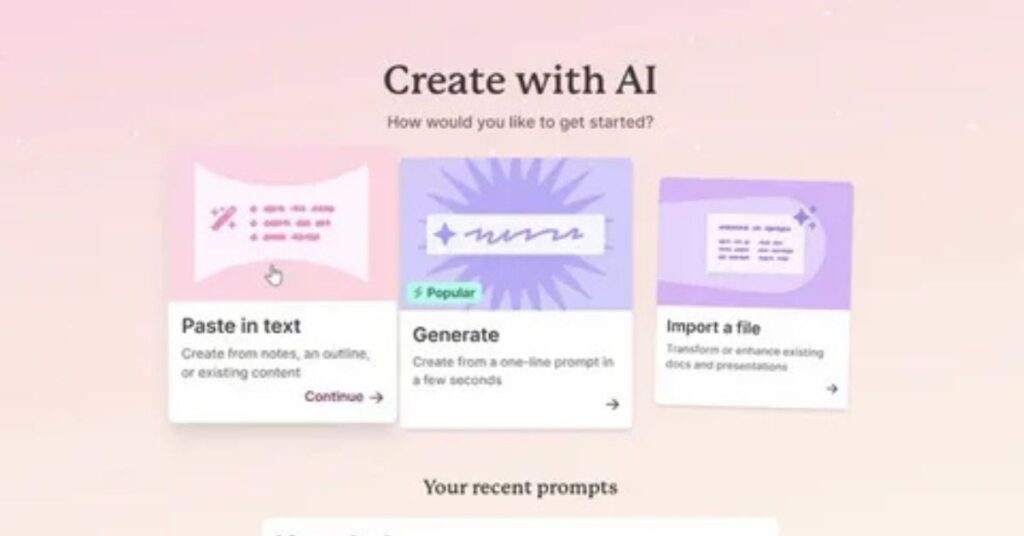
An AI presentation tool uses artificial intelligence to help you build slide decks faster and with better quality than doing it manually. You describe what you need, and the AI handles the structure, layout, content, and often the visuals too.
The real value isn’t just speed. It’s consistency, quality, and removing the friction that causes most people to procrastinate on presentations in the first place.
According to research from enterprise presentation platforms, teams working on presentations manually can lose 20 or more hours per week across sales reviews, board meetings, client pitches, and internal updates. AI tools can dramatically reduce that time, in some cases by 80 to 90 percent.
For professionals who regularly present to clients, stakeholders, or leadership, that’s not a small thing. That’s hours returned to your week, every week.
How to Choose the Best AI Presentation Tool
Before diving into specific tools, it helps to understand what separates a good AI presentation tool from a great one. Here are the key factors that actually matter when you’re evaluating your options.
Content quality is the first thing to look at. Does the AI generate relevant, well-structured content or does it produce vague, generic filler text that reads like it came from a template? The best tools understand context and create content that actually fits each slide type.
Design and layout variety matters more than people realize. Many AI tools default to the same “bullet points plus image” format for every single slide. That gets boring fast and makes your deck look unprofessional. Look for tools that vary their layouts intelligently based on what the slide is communicating.
Compatibility with your existing tools is often overlooked. If you work in PowerPoint or Google Slides every day, choosing a standalone app that doesn’t export cleanly can create more work than it saves. Some of the best options work natively inside the tools you already use.
Brand consistency is critical for teams. Can the tool enforce your brand colors, fonts, and logo automatically? Or will every deck look slightly different depending on who made it?
Collaboration features determine whether the tool works for teams or just individuals. Can multiple people edit at once? Is there version history? Can stakeholders leave feedback without downloading anything?
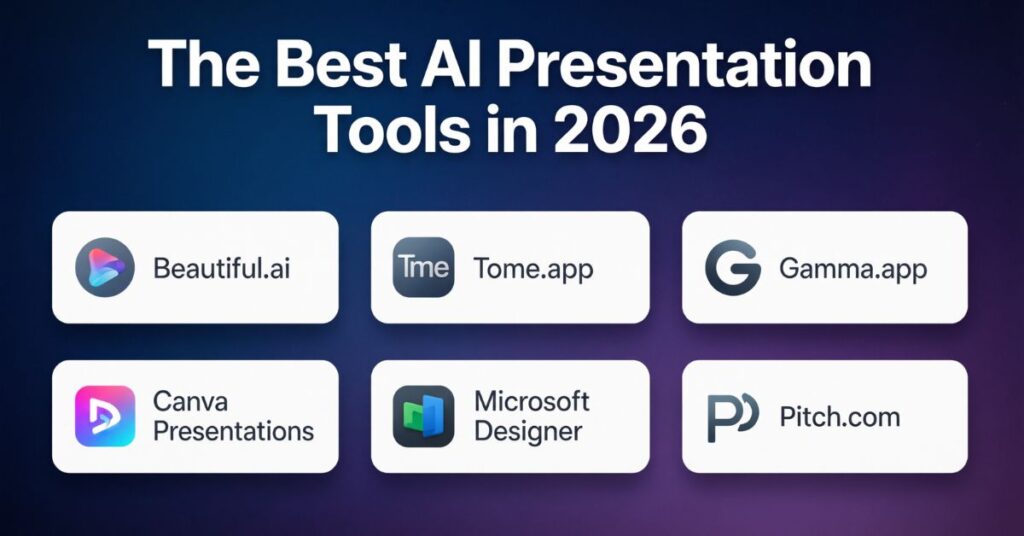
The Best AI Presentation Tools in 2026
Plus AI: Best for PowerPoint and Google Slides Users
If you already live inside PowerPoint or Google Slides, Plus AI is one of the smartest options available. Rather than asking you to abandon the tools you know, it works as an add-on directly within your existing environment.
Plus AI can generate full presentations from a single prompt, rewrite or reformat existing slides, and create individual slides on demand. Its “Remix” feature is particularly useful. If a slide isn’t quite right, you can ask the AI to restructure it automatically without touching the content.
What makes Plus AI stand out is how well it understands professional presentation formats. It supports hundreds of different slide types and selects the appropriate layout based on the content, which means your decks don’t all end up looking identical.
The tool is especially useful for professionals who need their finished presentations to behave like native PowerPoint or Google Slides files. Every deck it produces is fully editable in your preferred app, which means no compatibility headaches and no reformatting before sharing.
It’s a strong choice for consultants, sales teams, marketers, and anyone who creates presentations regularly as part of their job.
Gamma: Best for Modern, Web-Style Storytelling
Gamma takes a completely different approach to presentations. Instead of traditional slides, it creates scrollable, web-style documents that feel more like a modern website than a PowerPoint deck.
This format works surprisingly well for startup pitch decks, investor updates, and narrative-driven content where the goal is engagement rather than formal boardroom polish. Gamma’s AI generates well-structured content quickly, typically producing a complete deck in around 45 seconds.
It includes built-in AI image generation, real-time collaboration, and deck analytics that show you how viewers are engaging with your content. For teams that want to move away from the standard slide format without losing professionalism, Gamma is worth exploring seriously.
The main drawback is export reliability. When exporting to PowerPoint, formatting issues appear frequently, which can be a significant problem for teams that need to share traditional slide files. Gamma works best when you’re presenting directly from its platform rather than converting to other formats.
Prezent: Best for Enterprise Teams
For large organizations where brand compliance, security, and scale are non-negotiable, Prezent is purpose-built to solve those exact problems.
The platform is powered by an AI engine called Astrid, which generates presentations that are automatically calibrated to your brand standards, your audience, and your industry. It locks brand elements across 60 or more variables with a single click, which means no more rogue fonts or off-brand color schemes creeping into team decks.
Prezent includes a library of over 35,000 branded slides, more than 1,000 storylines, and enterprise-grade security features. It also exports cleanly to both PowerPoint and Google Slides, which was a meaningful differentiator in independent testing.
The platform is particularly valuable for sales teams, marketing departments, and executive communications where presentations directly influence revenue decisions. The tradeoff is that it’s designed for medium to large organizations, and its pricing reflects that positioning.
Canva Magic Design: Best for Creative Flexibility
Canva is already one of the most widely used design tools in the world, and its AI presentation feature, Magic Design, brings that design-first philosophy to slide creation.
The tool excels at producing visually polished, image-rich presentations quickly. You can choose from thousands of professionally designed templates, apply your brand kit with a few clicks, and export to PowerPoint, PDF, or video with ease.
Where Canva shines brightest is for marketing teams, social media managers, and creative professionals who move between different content formats regularly. The ability to create slides, social graphics, and video content all from one platform is genuinely useful.
The limitation is that Canva’s AI tends to produce design-heavy slides that are light on structured content. For presentations where the data and narrative need to carry the weight, Canva’s output often requires significant manual work before it’s presentation-ready.
Beautiful.ai: Best for Data-Heavy, Recurring Reports
If your team creates the same types of presentations over and over, like monthly business reviews, quarterly reports, or pipeline updates, Beautiful.ai is designed with exactly that use case in mind.
Its smart template system automatically adjusts layouts when data changes. Add a new data point and the slide reformats itself. Remove a section and everything shifts to maintain visual balance. For teams dealing with recurring reports where the numbers change but the structure stays the same, this automation removes a significant amount of manual formatting work.
Beautiful.ai also supports asynchronous collaboration through comments and video notes, which works well for distributed teams that need to review and sign off on decks without scheduling a meeting.
The downside is limited creative flexibility. If you need granular control over small design details, the smart template system can feel restrictive. It works best when you stay within the guardrails it’s designed for.
Slidebean: Best for Startup Pitch Decks
Slidebean is specifically built for founders preparing investor presentations. Beyond slide design, it includes a built-in CRM for tracking investor outreach, financial modeling tools, and structured pitch deck templates based on what investors actually want to see.
For early-stage founders who are actively fundraising, having all of these tools in one place removes significant friction from the process. The investor tracking and pitch analytics features in particular are genuinely useful for understanding which parts of your deck are resonating and which aren’t.
It’s a narrow tool for a specific use case, but for that use case, it does the job well.
ChatGPT and Claude: Best for Brainstorming and Outline Building
General-purpose AI chatbots like ChatGPT and Claude are useful for presentation creation, but primarily at the planning stage rather than the execution stage.
Both tools are excellent at building outlines, drafting talking points, writing compelling hooks, and structuring a narrative for your deck. ChatGPT can now generate actual PowerPoint files through its agent mode, though the process takes significantly longer than dedicated tools and the formatting quality is inconsistent.
Using these chatbots to do the thinking work upfront, then handing that structure off to a dedicated presentation tool, is often the most effective workflow for people who want AI help without committing to a specific platform.
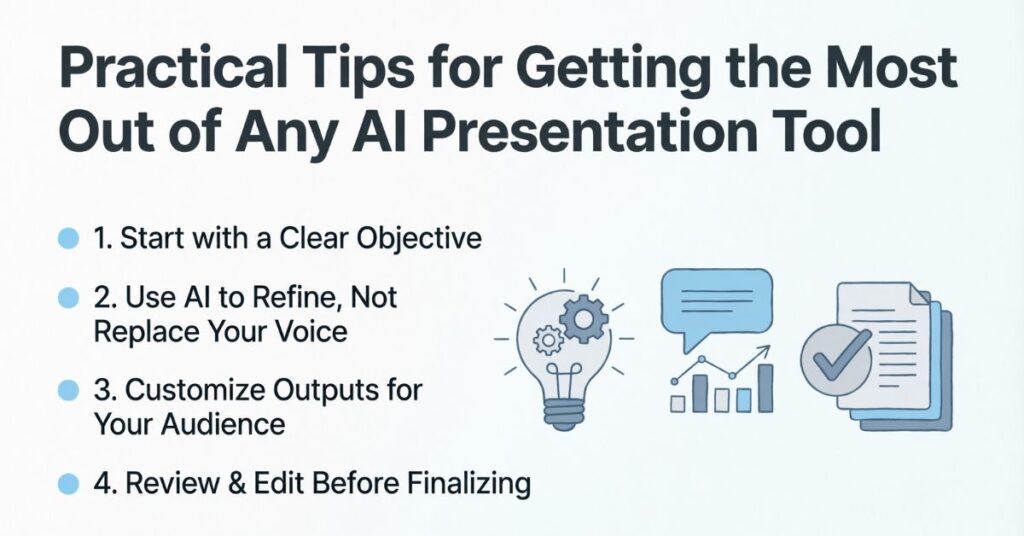
Practical Tips for Getting the Most Out of Any AI Presentation Tool
No matter which tool you choose, a few habits will significantly improve the quality of what you get back.
Write detailed prompts. The more context you give the AI, including your audience, the purpose of the presentation, the key message, and the tone you want, the more relevant and usable the output will be. A vague prompt produces a vague deck.
Always review and refine the content. AI tools are excellent at creating first drafts, but they can generate generic statistics or miss nuance that matters in your specific context. Treat the output as a starting point, not a finished product.
Use your brand settings consistently. If a tool supports brand kits or custom themes, set those up before generating your first deck. Getting brand elements right from the start saves far more time than fixing them after the fact.
Match the tool to the deliverable. If you’re building a client-facing pitch, prioritize design quality and export reliability. If you’re building an internal report, prioritize speed and data accuracy. No single tool is perfect for every situation.
Which AI Presentation Tool Should You Choose?
The honest answer is that the best AI presentation tool depends entirely on how you work and what you’re building.
If you need to stay inside PowerPoint or Google Slides, Plus AI is a natural fit. If you’re building modern, web-native presentations for startups or growth teams, Gamma is worth trying. If you’re managing enterprise brand compliance at scale, Prezent is designed for that specific challenge. If creative flexibility and multi-format output matter most, Canva covers a lot of ground. And if you’re a founder preparing for investor meetings, Slidebean bundles everything you need in one place.
The good news is that most of these tools offer free trials, which means there’s no reason to commit before testing the output quality with your own prompts and your own content.
The era of spending entire afternoons building a single deck is over. The tools exist to do this faster, better, and with far less frustration than before. The only real question is which one fits your workflow best.
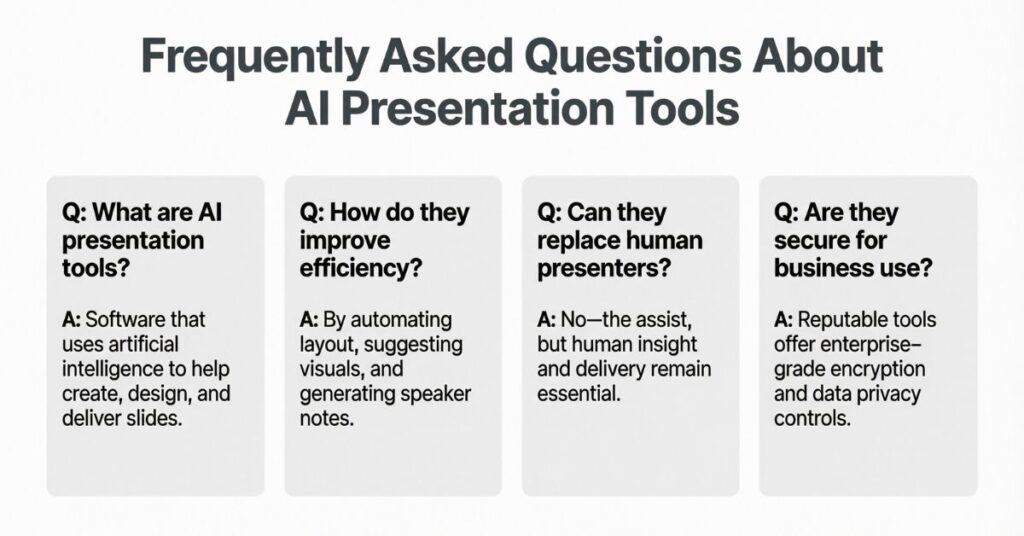
Frequently Asked Questions About AI Presentation Tools
What is the best AI presentation tool for beginners?
Canva Magic Design and Gamma are both beginner-friendly options with intuitive interfaces and fast results. Neither requires much technical knowledge to start producing good-looking decks.
Can AI presentation tools replace human designers?
For most everyday business presentations, AI tools can handle the job well without a designer. For high-stakes brand campaigns or investor materials where visual distinction matters, professional design input still adds value.
Do AI presentation tools work with PowerPoint?
Several do. Plus AI, Prezent, and SlidesAI all export cleanly to PowerPoint. Tools like Gamma and Tome can have formatting issues on export, so checking compatibility before committing to a tool is worthwhile.
How accurate is AI-generated content in presentations?
Quality varies significantly by tool. Research-focused tools like GenPPT use real-time data to ground their outputs. General-purpose AI tools can occasionally generate inaccurate statistics, so reviewing all factual claims before presenting is always a good practice.