
What if a single photo could tell a full story, move, breathe, and stop someone mid-scroll?
That is exactly what the best AI tool to turn image into video can do for you today.
Whether you are a content creator, a small business owner, or someone who simply wants to bring an old family photo to life, AI image-to-video technology has made the process faster and more accessible than ever before.
You no longer need a camera crew, a video editing degree, or hours of free time. You need a good image, the right tool, and a few minutes.
In this guide, we break down the top AI tools available right now, explain what to look for when choosing one, and help you find the perfect fit for your specific goals.
Quick Answer: The best AI tool to turn image into video depends on your use case. For all-in-one creation and editing, Flixier leads the field. For cinematic realism, Luma Labs Dream Machine is hard to match. For free and watermark-free results, Vidnoz is the top choice. Read on for the full breakdown.
What Does an AI Image-to-Video Tool Actually Do?
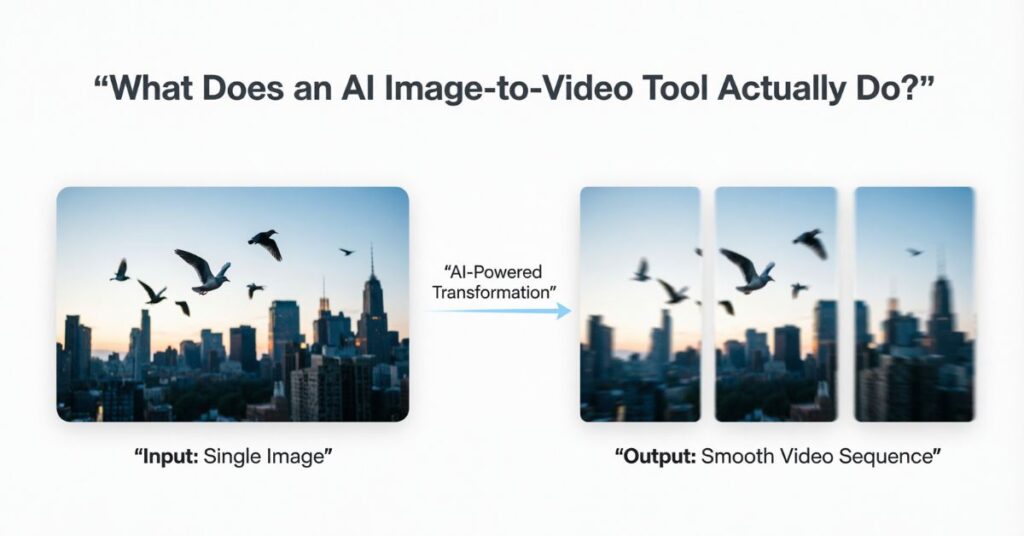
An AI image-to-video tool takes a still photo or graphic and transforms it into a moving video clip using artificial intelligence.
The AI scans your image, identifies the subjects, background, and scene composition, and then applies motion, transitions, and effects to make everything feel dynamic. Some tools apply a simple zoom or pan. Others simulate realistic movement, like flowing water, a waving flag, or natural facial expressions.
More advanced platforms allow you to guide the motion using text prompts. You simply describe what you want to happen, and the AI makes it happen.
The result is a video that looks professionally crafted, produced in seconds rather than hours, and accessible to anyone regardless of technical experience.
These tools are widely used for social media content, e-commerce product videos, marketing campaigns, educational materials, memorial projects, and creative storytelling. The applications are growing every single day as the technology improves.
The Best AI Tools to Turn Image into Video in 2025
Here is a detailed look at the leading platforms, covering what each one does best and who it is designed for.
1. Flixier
Flixier is one of the most complete AI image-to-video platforms available right now. It combines AI-powered motion generation with a full browser-based video editor, meaning you can go from a still image to a polished, publish-ready video without ever leaving the platform.
You upload your image, write a short text prompt describing the motion you want, and Flixier generates a smooth animated clip. From there, the built-in editor lets you add voiceovers, music tracks, text overlays, transitions, and auto-generated subtitles in multiple languages.
Most tools on this list either generate a video or edit one. Flixier does both, which is what makes it genuinely stand out from the competition.
It also supports voice cloning and text-to-speech narration, making it possible to create a fully narrated, branded video from a single image in just a few minutes. Everything runs in the browser, so there is nothing to download or install.
Best for: Creators, marketers, educators, and businesses who want one platform that handles the entire video production workflow.
2. Canva
Canva is already one of the most widely used design tools in the world, and its AI image-to-video feature makes it even more powerful for everyday creators.
If you have ever used Canva to build a social media post or a presentation, you already know how to use its video tools. The interface is identical. Upload your images, pick an animated template, add music or a voiceover, and export a polished video in just a few clicks.
What Canva does particularly well is keeping everything connected. You can design a graphic, animate it, add your brand colors and logo using the Brand Kit, and publish it directly to social media platforms, all from one dashboard.
For teams, the real-time collaboration feature also makes it easy to work on shared video projects without sending files back and forth.
Best for: Business owners, social media managers, and designers who are already in the Canva ecosystem and want to add video to their workflow without switching platforms.
3. Luma Labs Dream Machine
Luma Labs Dream Machine is the most visually impressive tool on this list. Built on advanced generative AI models, it takes a static image or a text description and produces short cinematic video clips with strikingly realistic movement.
What separates Dream Machine from simpler tools is its understanding of real-world physics and scene context. If you upload a photo of ocean waves, the water moves like real water. If you upload a portrait, the subject shifts subtly and naturally rather than in the stiff, mechanical way that cheaper tools produce.
The output has a genuine cinematic quality that makes it feel unlike anything produced by a basic animation tool.
It is worth noting that Dream Machine is better suited to creative and experimental use cases than to business templates or marketing workflows. The results are stunning, but the platform is built for artistic output rather than high-volume production.
Best for: Artists, storytellers, and social media creators who want premium, cinematic quality from their AI-generated videos.
4. Vidnoz
Vidnoz has built a strong following by offering completely free, watermark-free AI video creation. For anyone who wants to explore image-to-video technology without spending anything, Vidnoz is the most accessible starting point available.
The platform is intentionally simple. Upload your image, select an animation style, and Vidnoz handles the motion, effects, and background music automatically. It also offers AI talking avatars, which animate a portrait so the subject appears to speak with synced lip movements.
The free plan does limit daily video generation time, but most casual users will find it sufficient for regular content creation. Paid upgrades unlock higher resolution and additional customization options when you are ready to scale up.
Best for: Beginners, students, and small business owners who want to explore AI video creation without any financial commitment upfront.
5. Kling AI
Kling AI is a browser-based platform focused on producing high-quality, realistic animations with precise motion control. Unlike tools that apply a generic effect to your image, Kling AI lets you specify exactly how the camera and subjects should move, including zoom direction, motion speed, and the difference between your starting and ending frames.
This level of detail makes a noticeable difference in the final output. Instead of a predictable pan or zoom, you get movement that feels directed and intentional.
The output quality is strong, with smooth and natural-looking animations that hold up well at higher resolutions. Free users may experience slightly longer processing times, and some advanced features require credits.
Best for: Intermediate to advanced creators who want detailed control over how their animated video moves and feels.
6. InVideo AI
InVideo AI is one of the most popular platforms for automated video creation, and it works exceptionally well for turning images into professional-looking content quickly.
Its standout feature is the ability to combine a text prompt with uploaded images. You describe what you want the video to communicate, and the AI builds a complete video around your visuals, including transitions, background music, and even suggested narration.
The template library is enormous, covering dozens of industries and content types. The real-time editing tools let you preview and adjust your video before exporting, and the stock media library gives you access to millions of royalty-free clips and tracks.
InVideo AI is particularly well suited for users who need to produce a steady volume of video content, such as weekly social media posts or rotating product ads, because the workflow is fast, repeatable, and consistent.
Best for: Content creators and businesses that need to produce professional video content at scale without a large production budget.
7. Oldphoto.ai
Oldphoto.ai occupies a unique and deeply personal space in the AI video world. It specializes in animating vintage or old photographs, particularly portraits, by applying facial recognition and motion modeling to bring subtle expressions, eye blinks, and gentle movement to still images.
If you have an old photo of a grandparent or a faded family portrait, Oldphoto.ai can transform it into a softly moving video that feels like a real memory being replayed. The results are genuinely emotional, which is why the platform is so popular for heritage projects, family documentaries, and meaningful personal gifts.
Beyond portraits, it also supports 3D parallax effects for landscape and group photos, adding depth and a sense of camera movement to images that would otherwise remain flat.
Best for: Families, genealogy enthusiasts, and anyone who wants to bring sentimental or historic photographs to life.
What to Look for When Choosing an AI Image-to-Video Tool
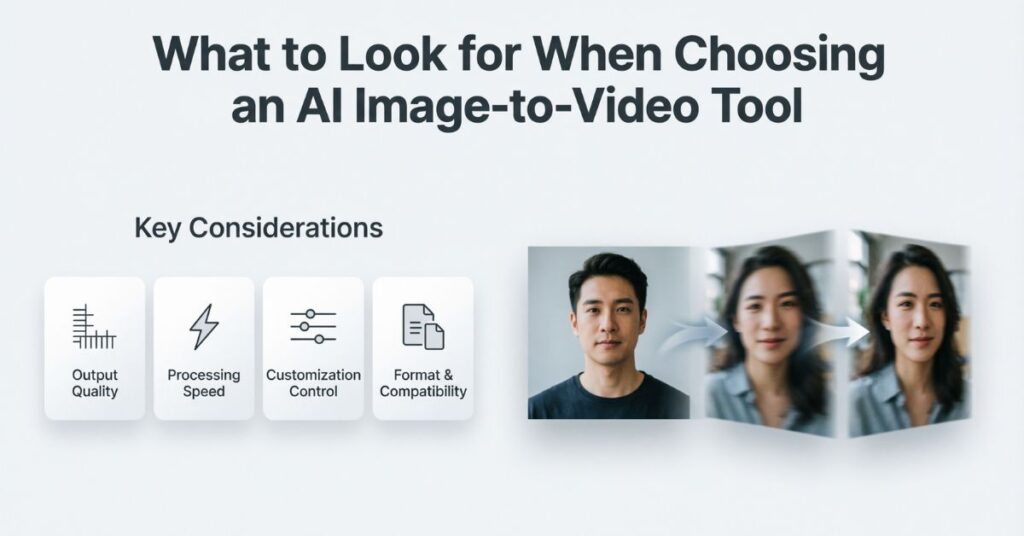
With so many options available, knowing what actually matters helps you make the right choice without wasting time testing every platform available.
Ease of Use
The best tools feel intuitive from the moment you sign up. If a platform requires extensive reading before you can generate your first video, it is probably not designed for everyday use.
Look for visual editors, guided templates, and simple controls. Canva and Flixier both excel in this area, offering clean interfaces that work for complete beginners while still providing enough depth for experienced creators.
Output Quality and Resolution
Your video is only as good as its final output. Always check what resolution is available on the plan you are using, especially if you intend to publish on YouTube, a professional website, or a large display.
Some free plans reduce quality or add watermarks as an incentive to upgrade. Check this before committing time to a project, so you are not surprised at the export stage.
Motion Control
Basic tools apply a generic effect to your image. Advanced platforms let you define exactly how the subject moves, what the camera does, and at what speed. If you are creating branded content or client work, this level of control makes a meaningful difference in quality.
Kling AI and Flixier are the strongest options here if motion precision is important to you.
Audio Integration
A video without sound rarely performs as well as one with music, narration, or effects. Look for tools that include a music library, text-to-speech generation, and voiceover recording built into the platform.
Flixier goes furthest in this area, offering voice cloning, multi-track audio, and automatic subtitle generation all within one workflow.
Export Options
Make sure the tool can export in formats and aspect ratios that match your target platforms. MP4 is universally compatible, but you may also need specific sizes for Instagram Reels, TikTok, YouTube Shorts, or LinkedIn.
The best platforms let you resize and reformat your video for different platforms without any quality loss.
Which Tool Is Right for You?
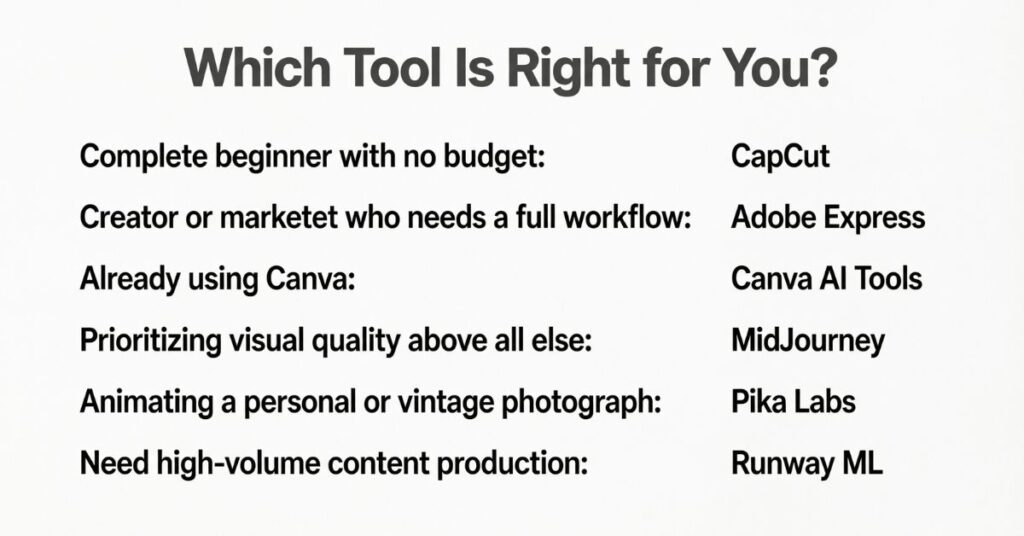
Complete beginner with no budget: Start with Vidnoz. It is free, watermark-free, and ready to use within minutes of signing up.
Creator or marketer who needs a full workflow: Flixier is the best all-in-one option. AI generation, editing, voiceover, and export all in one place.
Already using Canva: Stay in Canva. Its video tools are seamlessly integrated and the learning curve is essentially zero.
Prioritizing visual quality above all else: Luma Labs Dream Machine produces the most cinematic AI video available right now.
Animating a personal or vintage photograph: Oldphoto.ai is purpose-built for this and produces results that other tools simply cannot match.
Need high-volume content production: InVideo AI is the fastest and most repeatable option for producing consistent video content at scale.
The Bottom Line
The best AI tool to turn image into video is not a single answer. It depends on what you are creating, who you are creating it for, and how much control you want over the final result.
That said, if you are looking for one platform that covers every stage of the process from animation to editing to export, Flixier is the strongest option available right now. It handles more of the workflow than any other tool on this list and produces results that genuinely look professional.
If you are starting out and want to experiment for free, Vidnoz removes every barrier to entry and still delivers clean, impressive results. If cinematic quality is your priority, Luma Labs Dream Machine will exceed your expectations.
Most of these platforms offer free plans or trial periods, so there is no reason not to test a couple before committing. Upload your first image, hit generate, and see what modern AI can do with a single photograph.
Static content had its moment. What captures attention now is content that moves, and you now have everything you need to start creating it today.