
Artificial intelligence is rapidly transforming how developers write software. What once took hours of manual coding can now be completed in minutes with the help of intelligent programming assistants.
Modern developers no longer work alone. AI powered coding tools act like virtual pair programmers that suggest code, detect errors, generate functions, and even explain complex logic.
This shift is changing the entire development workflow.
Whether you are a beginner learning your first programming language or an experienced engineer building complex applications, choosing the best ai coding tool can dramatically increase your productivity.
In this guide, you will learn what AI coding tools are, how they work, and which tools developers rely on today to build faster and smarter software.
What Is an AI Coding Tool
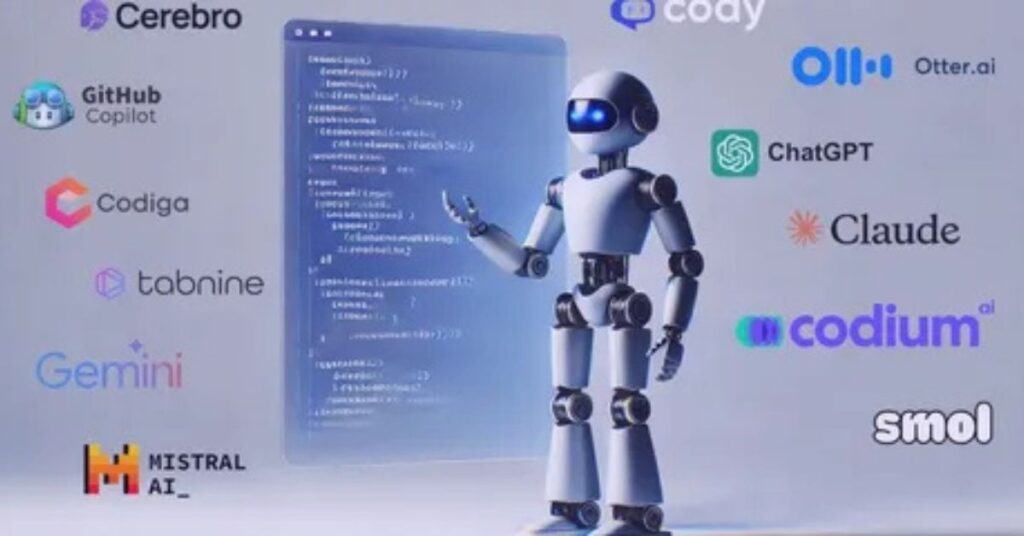
An AI coding tool is software that uses artificial intelligence to help developers write, analyze, and improve code.
Instead of writing every line manually, developers can rely on AI to suggest code snippets, complete functions, generate documentation, and identify potential errors.
These tools are usually integrated into development environments such as code editors or IDEs.
AI coding assistants typically work by analyzing millions of lines of existing code and learning patterns from programming languages. When you start typing, the AI predicts what you want to write next and provides intelligent suggestions.
Some tools go even further. They can generate entire functions from natural language prompts. For example, a developer can type a comment describing what they want, and the AI produces the code automatically.
This technology is helping developers write software faster while reducing repetitive tasks.
Why Developers Are Using AI Coding Tools
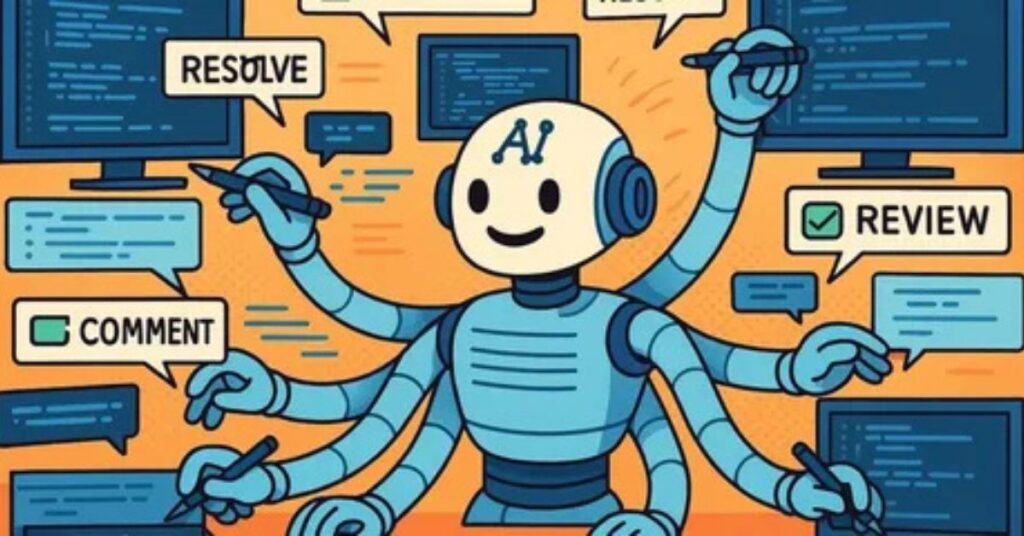
AI coding assistants are becoming essential in modern development environments.
The main reason is productivity. AI coding assistants can significantly reduce time spent on repetitive programming tasks such as documentation, debugging, and boilerplate code creation.
Instead of writing everything from scratch, developers can focus on solving real problems.
Here are some major benefits.
Faster coding
AI tools can generate code suggestions instantly. This allows developers to write large sections of code much more quickly.
Reduced errors
Many AI tools identify potential bugs and recommend improvements before the code is executed.
Better learning experience
Beginners can learn programming faster by seeing real examples generated by AI.
Improved documentation
Some AI assistants automatically generate comments and documentation, which helps teams maintain better code quality.
Support for multiple languages
Most modern AI coding tools support many programming languages including Python, JavaScript, Java, and Go.
These advantages explain why AI powered coding assistants are becoming a standard tool for developers.
Key Features of the Best AI Coding Tool
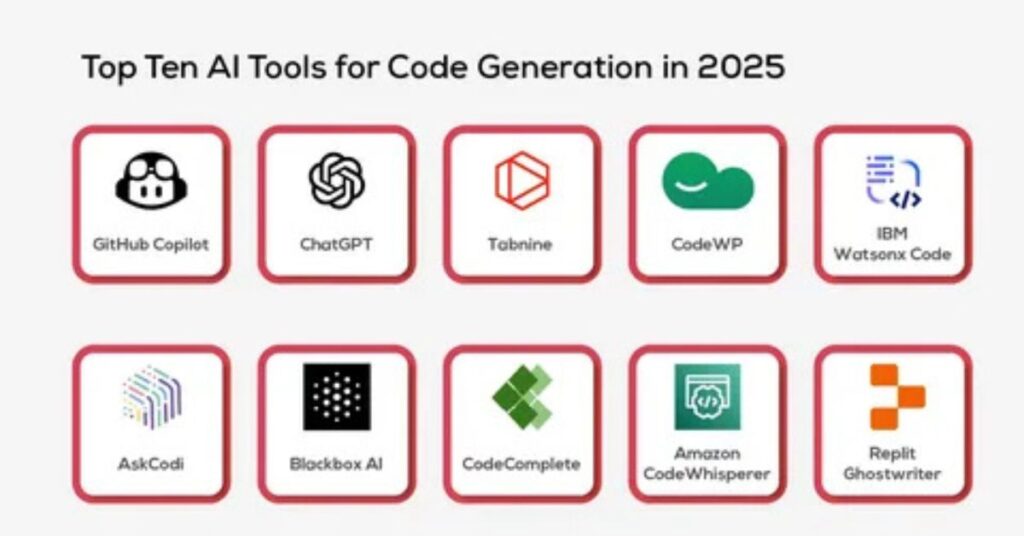
When searching for the best ai coding tool, it is important to understand the features that separate powerful assistants from basic autocomplete tools.
Smart code completion
The most common feature is intelligent autocomplete. AI predicts the next lines of code based on context and previous code.
Natural language to code
Some tools allow developers to describe functionality using plain language and automatically generate the code.
Code explanation
AI assistants can explain complex sections of code. This helps developers understand unfamiliar codebases.
Automated testing
Many tools generate unit tests automatically to ensure code reliability.
Bug detection
Advanced AI tools can analyze code for potential errors or vulnerabilities.
IDE integration
The best tools integrate seamlessly with popular editors like Visual Studio Code, JetBrains IDEs, and other development platforms.
These capabilities make AI coding assistants valuable partners during the software development process.
Best AI Coding Tool Options for Developers
Several AI coding tools dominate the developer ecosystem today. Each tool focuses on improving different aspects of coding productivity.
GitHub Copilot
GitHub Copilot is widely considered one of the most popular AI coding assistants available today.
It works directly inside development environments and provides real time code suggestions as developers type.
Copilot can generate entire functions, suggest algorithms, and even write documentation.
It supports dozens of programming languages and integrates seamlessly with common IDEs such as Visual Studio Code and JetBrains tools.
One of its strongest features is contextual awareness. The AI understands surrounding code and generates relevant suggestions that match the project.
Because of these features, many developers consider Copilot a leading candidate for the best ai coding tool.
Codeium
Codeium is another rapidly growing AI coding assistant.
It provides real time code completions and supports dozens of programming languages across multiple IDEs.
The tool focuses on speed and accessibility. Developers can receive instant suggestions, generate functions, and produce documentation automatically.
Codeium also includes a conversational AI interface that allows developers to ask questions about code or request explanations.
Many developers use Codeium for tasks like generating unit tests, writing repetitive functions, and exploring new programming frameworks.
Tabnine
Tabnine is known for its strong focus on privacy and customization.
Unlike many AI tools that rely on cloud processing, Tabnine offers local AI models that run directly on a developer’s machine.
This approach ensures sensitive code never leaves the developer’s environment.
Tabnine also allows teams to train AI models on their own codebases. This means suggestions follow internal coding standards and project structures.
The tool supports many programming languages and integrates with popular IDEs including VS Code, IntelliJ, and Sublime Text.
For organizations handling proprietary code, Tabnine can be an excellent choice.
Amazon CodeWhisperer
Amazon CodeWhisperer is designed for developers working within the AWS ecosystem.
The tool generates code suggestions based on comments written in natural language and provides recommendations for cloud based applications.
It can also identify potential security vulnerabilities while generating code.
CodeWhisperer is particularly useful for developers building applications that rely heavily on cloud services and serverless architecture.
Its ability to integrate with development tools makes it a strong competitor among AI coding assistants.
Replit Ghostwriter
Replit Ghostwriter focuses on browser based development.
Unlike many AI coding assistants that require local editors, Ghostwriter works directly inside the Replit cloud development environment.
Developers can write code, test applications, and collaborate with teammates while receiving AI powered suggestions in real time.
The tool can generate code from prompts, explain complex logic, and assist with debugging tasks.
Because it runs entirely in the browser, it is particularly useful for students, educators, and remote teams working on collaborative coding projects.
How to Choose the Best AI Coding Tool
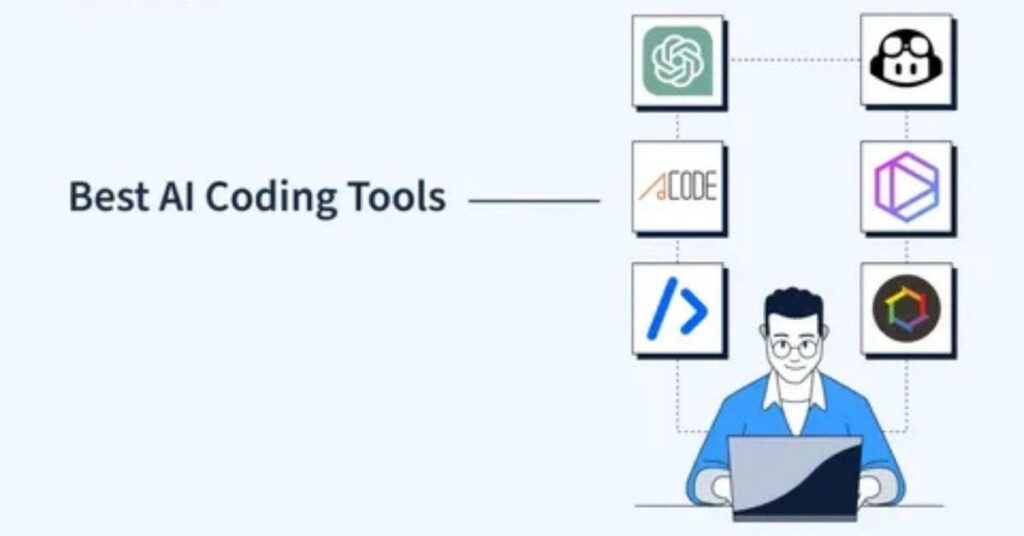
Choosing the best ai coding tool depends on your workflow, development environment, and project requirements.
Different tools excel in different scenarios.
If you work heavily with GitHub repositories and collaborative development, GitHub Copilot is often a strong option.
If you prefer a lightweight tool with broad language support, Codeium may fit better.
If privacy and local processing are important, Tabnine provides powerful on device AI models.
For developers focused on cloud infrastructure, Amazon CodeWhisperer integrates naturally with AWS services.
Students and collaborative teams may prefer browser based tools like Replit Ghostwriter.
The best approach is to evaluate tools based on your development environment and coding style.
Practical Tips for Using AI Coding Tools Effectively
AI coding assistants are powerful, but they work best when used strategically.
Treat AI as a collaborator
AI suggestions should be reviewed carefully. Developers should treat the tool as a coding assistant rather than a replacement.
Understand generated code
Always read and understand the code produced by AI before integrating it into production projects.
Use clear prompts
When generating code using natural language prompts, write clear and detailed descriptions. This improves accuracy.
Combine AI with manual expertise
AI works best when combined with human problem solving skills.
Developers should use AI for repetitive tasks while focusing their own effort on system design and architecture.
Review for security
Although AI generated code is often accurate, developers should still review it carefully for potential vulnerabilities or logical errors.
Using these practices ensures that AI tools improve productivity without compromising code quality.
The Future of AI Assisted Development
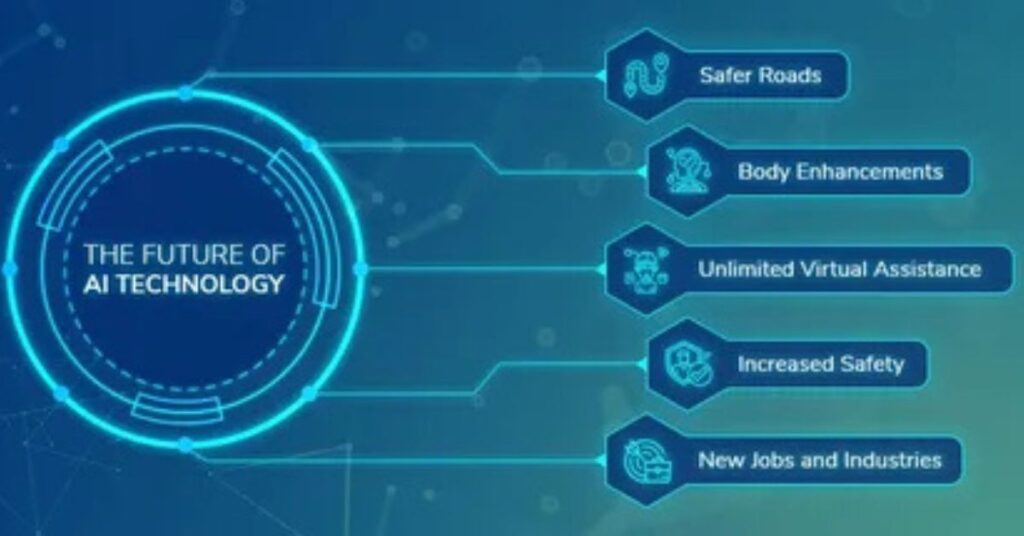
AI coding tools are evolving rapidly.
Modern assistants are already capable of generating complex code structures, debugging programs, and providing real time development guidance.
Future versions of these tools will likely become even more context aware. Instead of suggesting individual lines of code, they may help design entire applications.
Some platforms are already experimenting with AI agents that can complete development tasks such as implementing features or fixing bugs automatically.
However, developers will still play a crucial role.
AI can generate code, but human creativity, architecture decisions, and problem solving remain essential parts of software engineering.
The most successful developers will be those who learn how to collaborate effectively with AI tools.
Conclusion
AI coding assistants are changing the way software is built.
By automating repetitive tasks and generating intelligent code suggestions, these tools help developers write better software faster.
Choosing the best ai coding tool depends on your development environment, privacy requirements, and preferred workflow.
Tools like GitHub Copilot, Codeium, Tabnine, Amazon CodeWhisperer, and Replit Ghostwriter all offer powerful capabilities that improve productivity and reduce development time.
The key is to use these tools as intelligent partners rather than replacements for developer expertise.
As artificial intelligence continues to evolve, developers who embrace AI assisted programming will gain a significant advantage in building modern applications efficiently.